
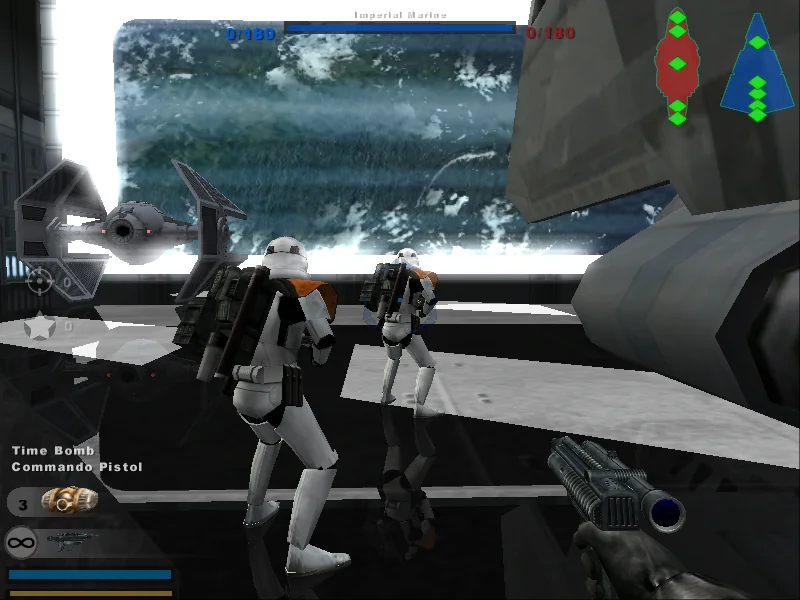
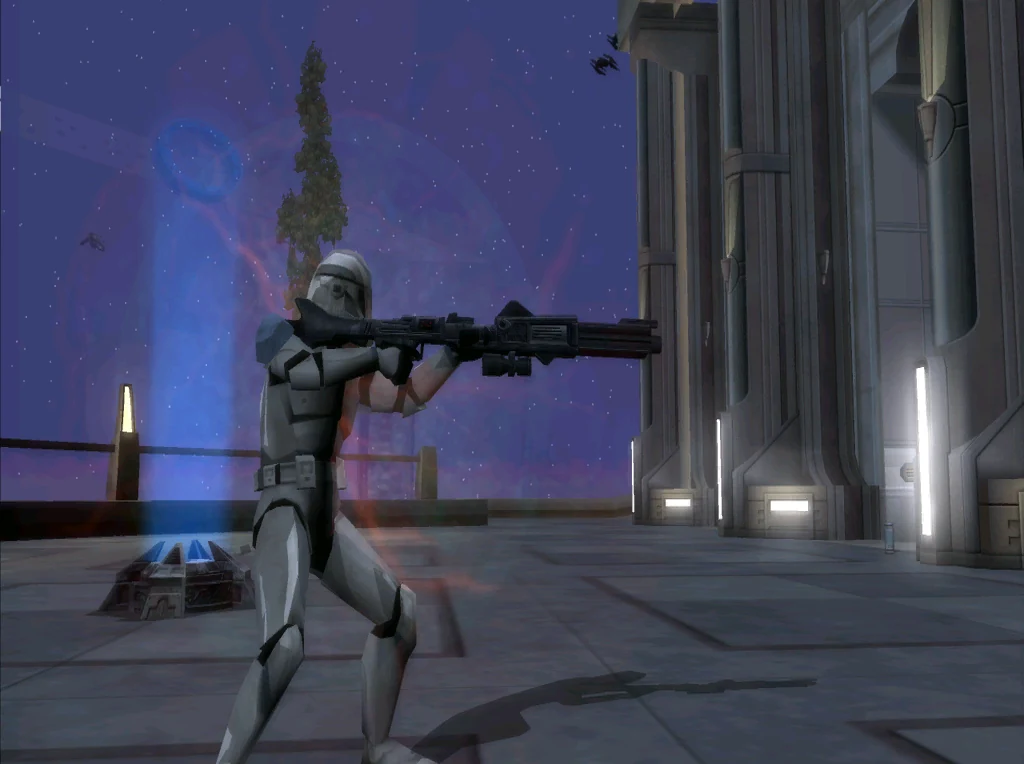
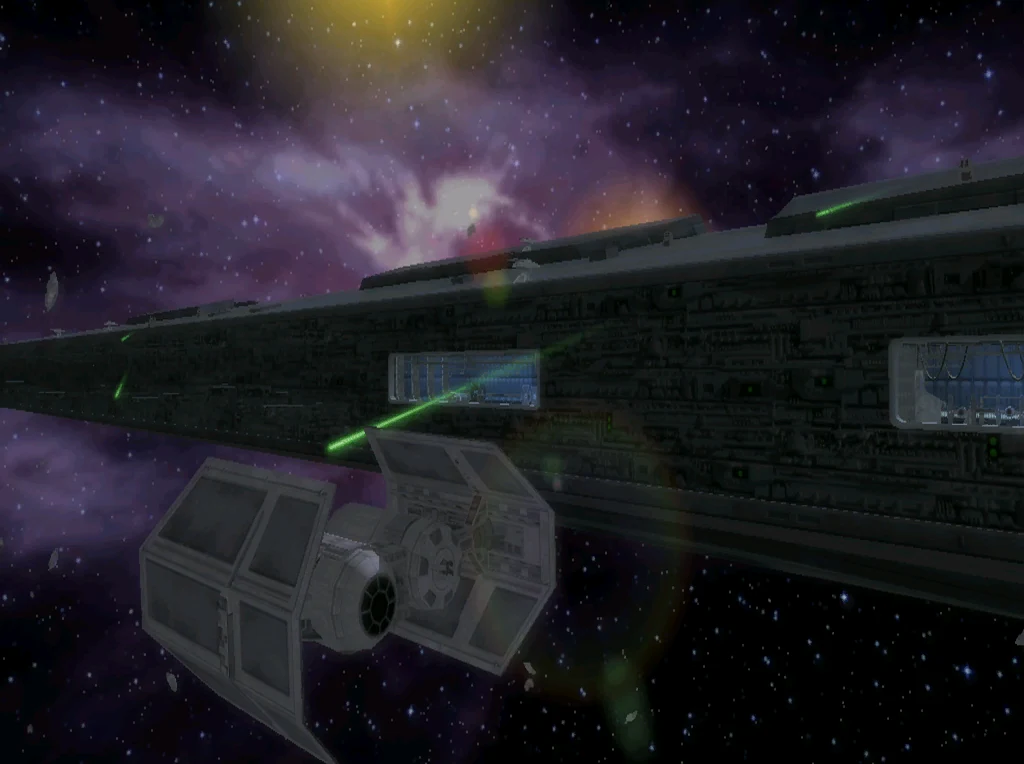
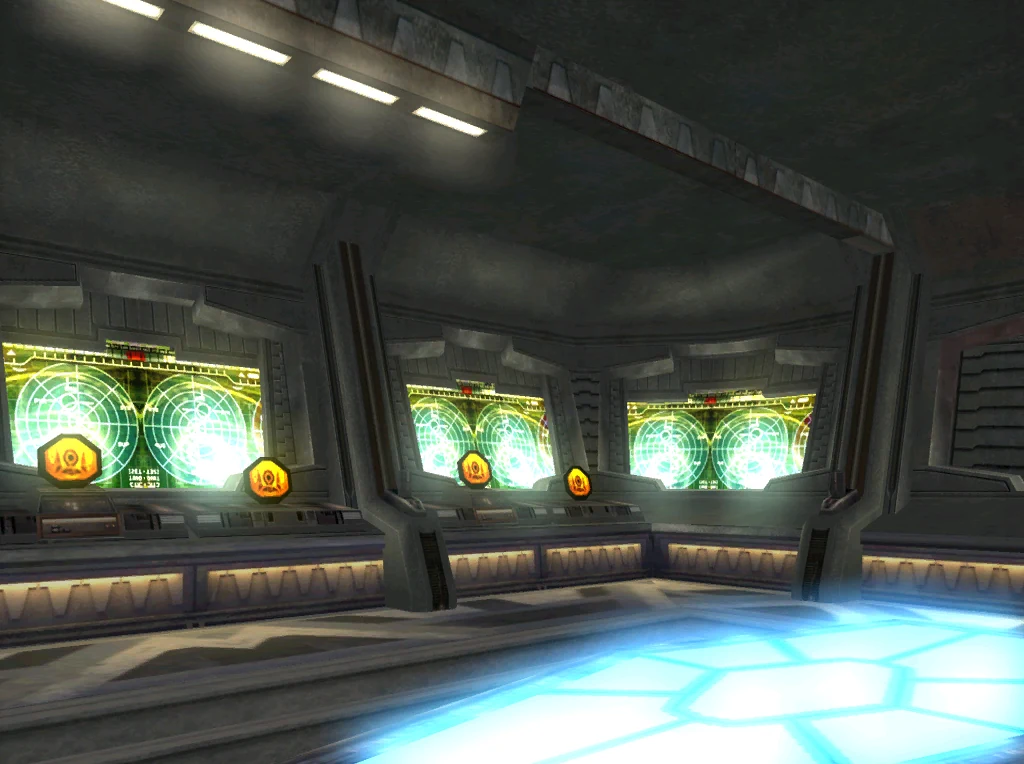
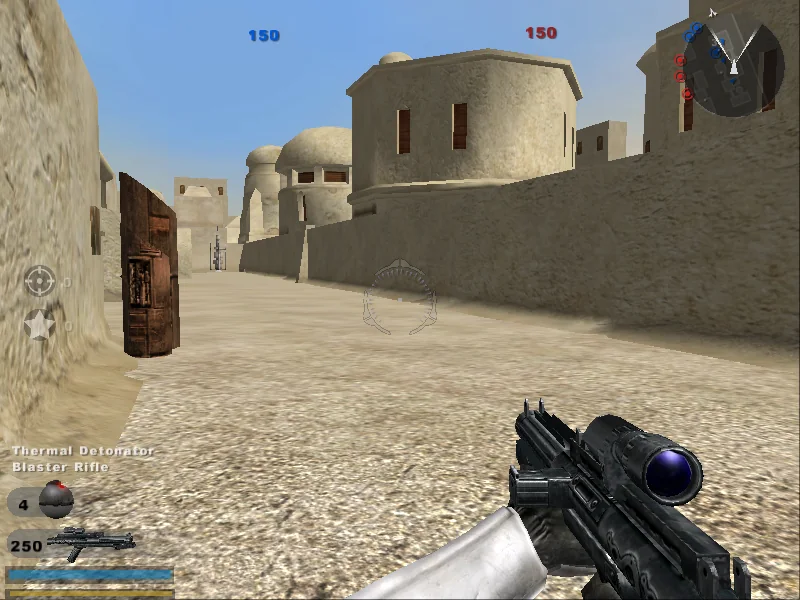
Authentic 2005 Graphics in Your Tab
Runs the original game simulation, Lua mission scripts, physics, AI, and Direct3D 9 Shader Model 1.1 shaders natively on WebGPU with hardware-compressed BCn textures and classic loading screens.
Public Lobbies, Custom Rules & Hot-Join
Pick a guest callsign and deploy into 16 public lobbies or host custom multi-map playlists with passwords, AI difficulty, ticket multipliers, hero rules, lobby chat, All/Team chat, and WebRTC voice chat.
Reads Straight From Your Steam / GOG / CD Folder
Point the portal at your own legal SWBF2 (2005) GameData folder. Files remain strictly on your device and stream locally in 256 KiB slices via FileReaderSync with one-click reconnect.
Campaign, Galactic Conquest, Gamepad & Mobile
Low-latency 48 kHz AudioWorklet 3D surround sound, Bink cutscenes, Android/iOS touch controls, and persistent browser profiles you can export or import anytime.
Browser: Chrome, Edge, Brave, or Opera with hardware acceleration enabled (WebGPU + SharedArrayBuffer).
GameData Folder: Select your Steam, GOG, or Disc GameData folder once — your browser remembers it for instant 1-click reconnects.
Networking: Direct peer-to-peer WebRTC DataChannels for low ping, with automatic WebSocket relay fallback behind strict NATs.
Open Holonet Game Portal →Join the Battlefront II Community
Organize XL Nights & Hero Assault matches in our Discord, share lobby invite links, or explore and contribute to the open-source browser port on GitHub.
Can friends join a match already in progress?
Yes. Live matches remain listed as In Match · Joinable in the lobby browser, and sharing your Invite Link lets friends hot-join straight onto the battlefield.
How do text chat, voice chat, and fullscreen pause work?
Press T for All Chat, Y for Team Chat, and hold V for Push-to-Talk voice. Tapping Esc pauses the game in fullscreen so you can respawn or change teams cleanly.
Are Space Battles, XL Mode, and Save Imports included?
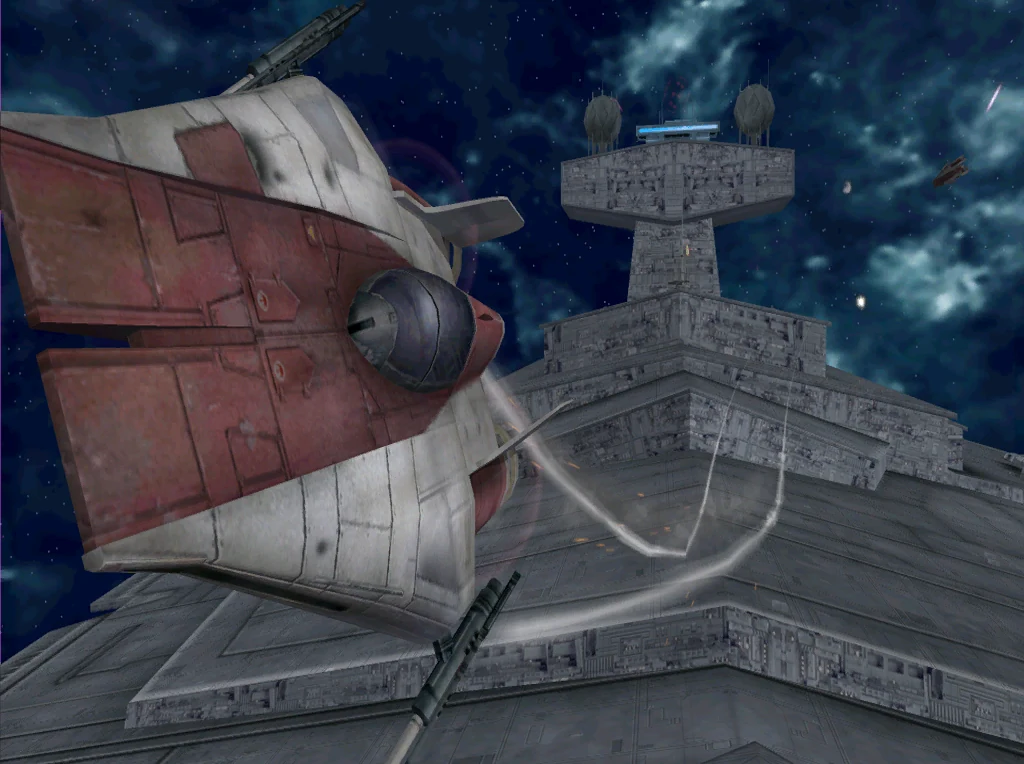
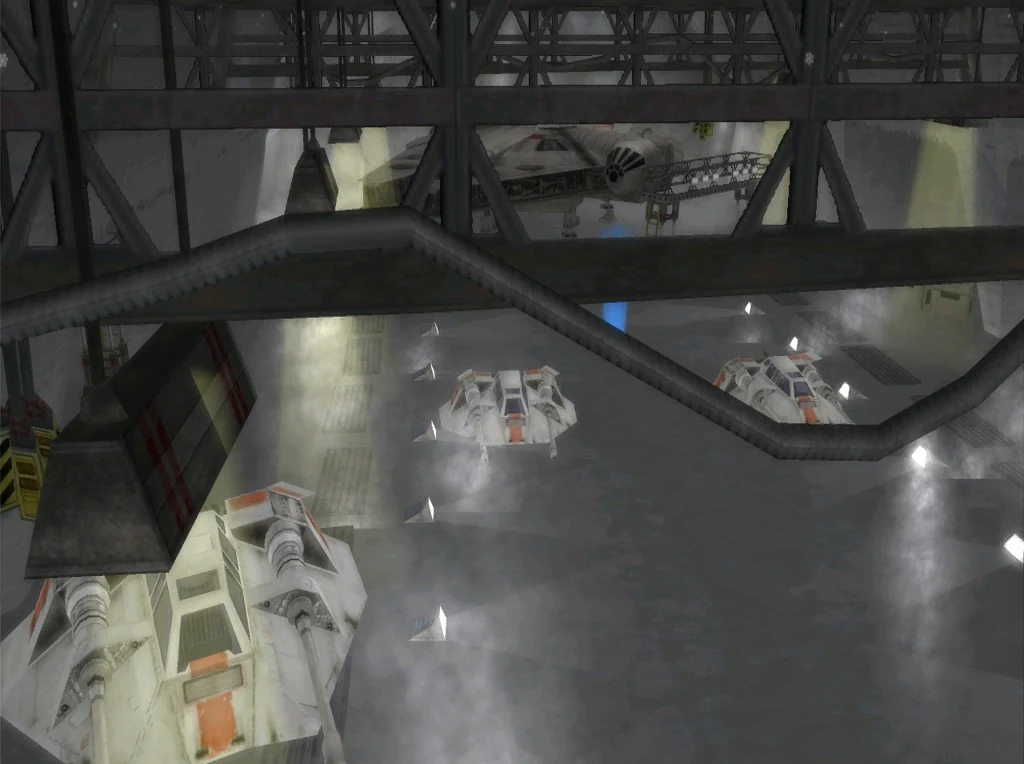
Yes — all 24 maps (including Hoth XL, Geonosis XL, Kashyyyk XL, Hero Assault, Hunt, CTF, and all 6 Space Assault arenas) work solo or online, with full save export & import.